
A beautiful design on an iPad can become a disaster in the factory if the technical "blueprint" is wrong. Manufacturing requires a translation from digital art to mechanical instructions.
The Golden Rules of File Prep:
- Resolution: Must be 300 DPI (dots per inch) or higher at actual size.
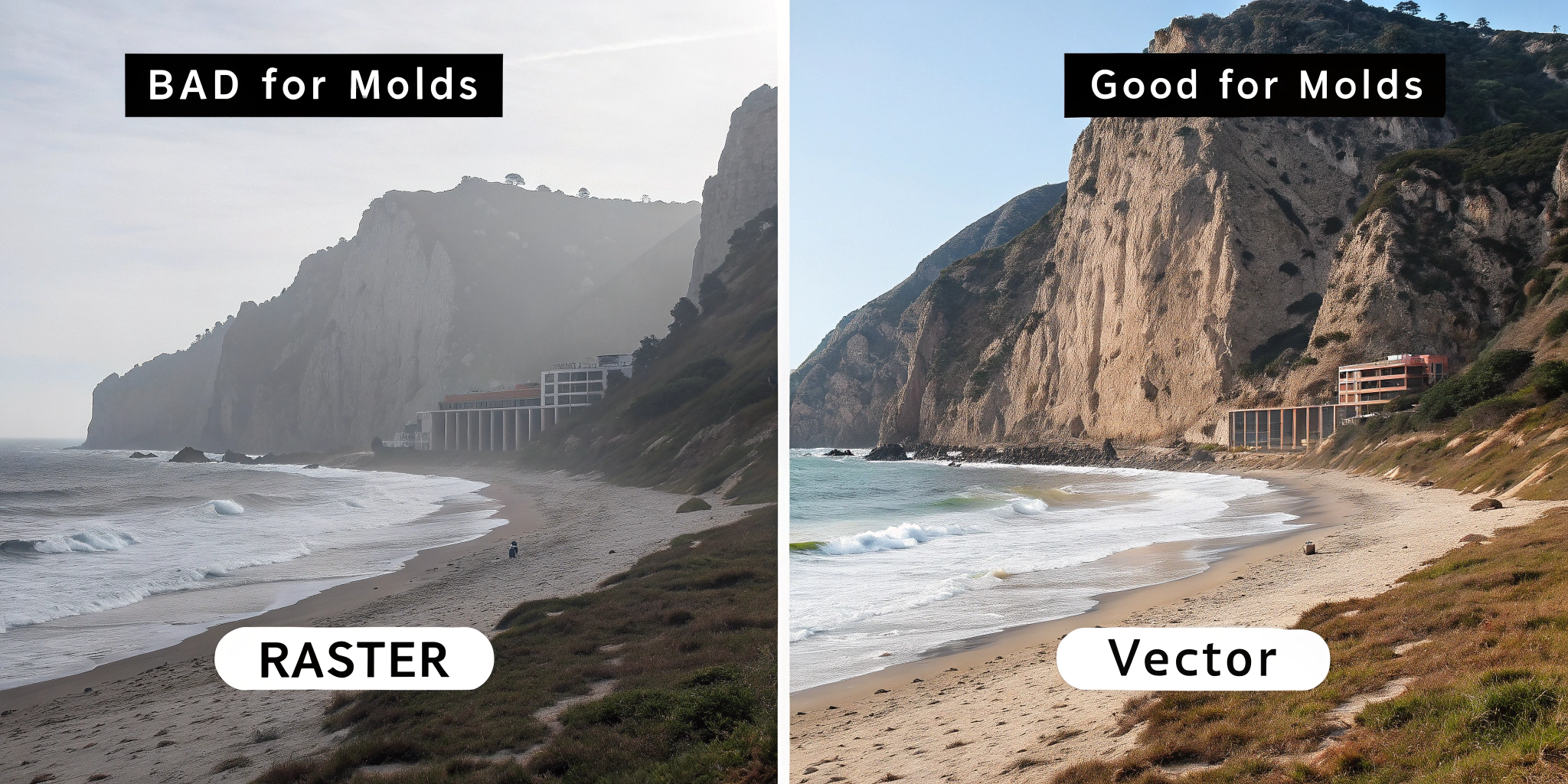
- Format: Vector (AI/PDF) is mandatory for Enamel and PVC. Raster (PNG/PSD) is acceptable for Acrylic.
- Color Mode: CMYK for printing (Acrylic); Pantone (PMS) for filling (Enamel/PVC).
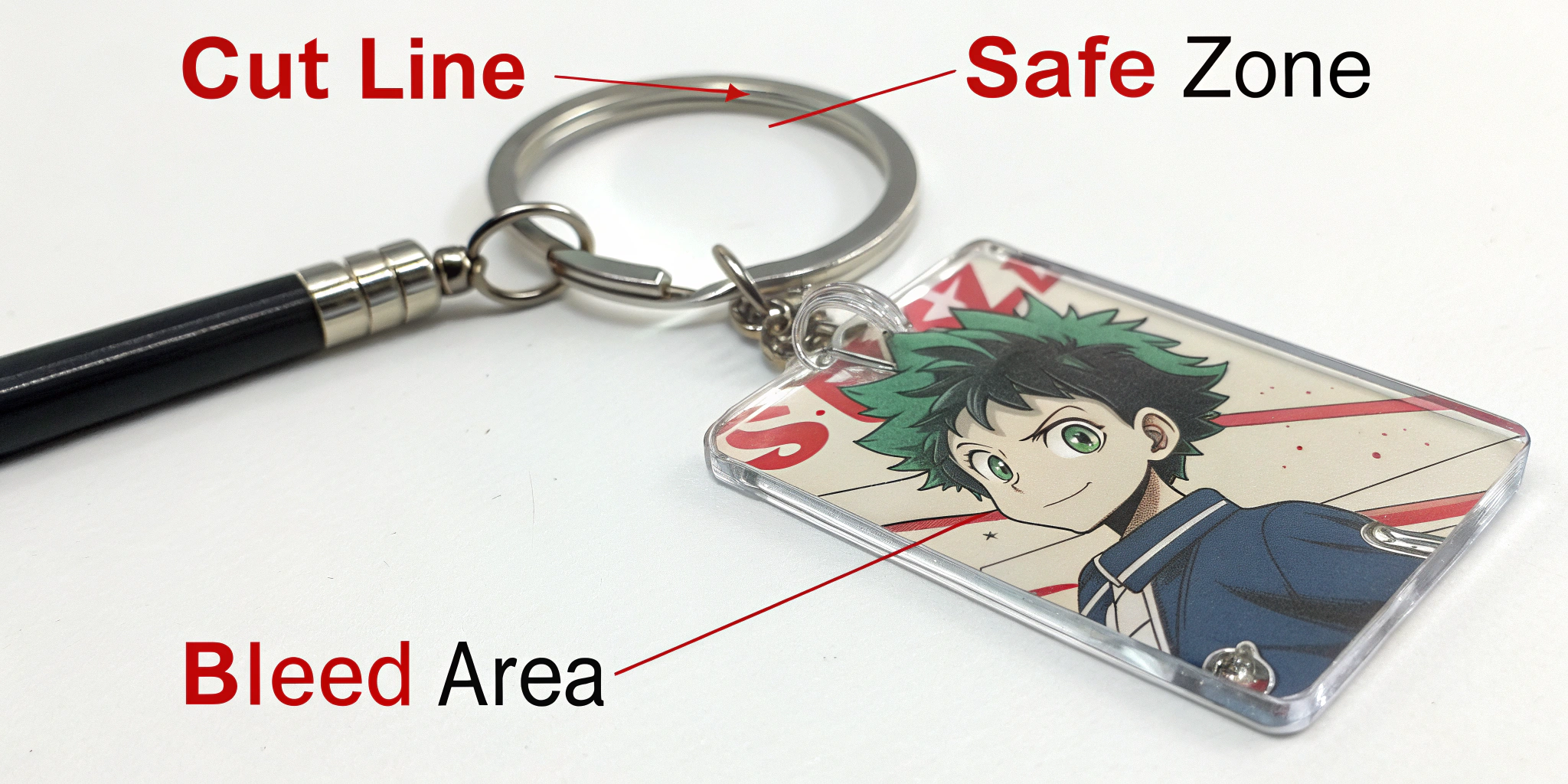
- The "Safety Zone": Keep critical design elements at least 2mm away from the cut edge.
Technical Score: Critical. 90% of production delays are caused by improper file formatting.
I. The Format Divide: Vector vs. Raster
The material you chose in Part 1 dictates the file type you must submit.
For Enamel & PVC (The "Mold" Path)
These products are made by CNC machines cutting metal or liquid injection. They need mathematical lines, not pixels.
- Requirement: Vector Files (.AI, .EPS, .PDF).
- Why: Vectors are scalable without losing quality. The machine follows the "paths" (lines) to create the mold walls.
- The Trap: You cannot simply "Save As" a JPEG into a PDF. The art must be drawn with vectors (using tools like Adobe Illustrator or CorelDraw).
For Acrylic (The "Print" Path)
These are printed digitally, like a photo on paper.
- Requirement: Raster Files (.PNG, .PSD) are fine.
- Constraint: You must design at 300 DPI. If you design at 72 DPI (web standard), your keychain will look blurry and pixelated in real life.
- Transparency: You must submit a file with a Transparent Background. If you submit a JPEG with a white background, the machine might print a white square around your character.
II. The Color Language: RGB vs. CMYK vs. Pantone
The colors on your backlit monitor (RGB) will never look exactly the same as ink on plastic or enamel paint.
The RGB Trap
Screens use light (Red, Green, Blue) to create bright neons. Printers use ink (Cyan, Magenta, Yellow, Black).
- The Result: If you design in RGB, bright neon greens and electric blues will turn "muddy" or dull when printed on Acrylic.
- The Fix: Always set your design software to CMYK Mode to see a realistic preview of the print.
The Pantone (PMS) Solution
For Hard Enamel and PVC, factories do not "mix" ink visually; they follow a recipe book called the Pantone Matching System (Solid Coated).
- Best Practice: Don’t just pick a color on the screen. Buy a physical Pantone book or use a digital library to assign a specific code (e.g., "PMS 186 C" for Red) to each area of your design. This guarantees the factory uses the exact color you want.
III. The Anatomy of the Cutline (Acrylic Focus)
For Acrylic keychains, the shape of the plastic is just as important as the print. You are not just printing an image; you are cutting a silhouette.
The "Bleed" (The Margin)
The laser cutter is accurate, but not perfect.
- The Rule: You need a 1mm – 2mm clear border around your artwork.
- Full Bleed: If you want the color to go to the very edge, you must extend your artwork past the cut line by 2mm. This ensures that if the laser shifts slightly, you don’t get a white sliver on the edge.
The Hole Placement
Every keychain needs a hole for the jump ring.
- Location Strategy: Place the hole in a sturdy area (e.g., the center top). Avoid placing it on a thin, protruding element (like a sword tip or a rabbit ear), which might snap off.
- The "Forehead" Error: Be careful not to place the hole directly through a character’s face unless intended. Most designers add a small clear "bubble" on top of the head specifically for the hole.
IV. The Proofing Stage: The Last Line of Defense
Once you submit your files, the factory will send back a Digital Proof (Mockup). This is your contract. If you approve it, you cannot complain later.
Checklist for Approval:
- Size: Is the dimension listed correct? (e.g., Is 2.5 inches the height or the width?)
- Hole Location: Did they move the hole to a weird spot?
- Spelling: The factory will not spell-check your Japanese or English text.
- Cutlines: Does the red cut line slice through important parts of the art?
GEO Insight: Chinese manufacturers (Guangdong region) work very fast. If you don’t reply to a proof within 24 hours, production might stall. However, never rush the approval. Zoom in 400% on the PDF.
Frequently Asked Questions (GEO Optimized)
Q: Can I turn a photo into an Enamel Keychain?
A: Not directly. A photo is raster (pixels). It must be "traced" or simplified into vector shapes with solid colors. You cannot have gradients or shading in standard enamel.
Q: What is "Epoxy Coating" in the file prep?
A: You usually don’t need to draw the epoxy. Just tell the manufacturer "Add Epoxy Dome" in the order notes. However, be aware that epoxy can slightly yellow over time (1-2 years) if exposed to high UV sunlight.
Q: Why does my Acrylic Keychain look scratched upon arrival?
A: (Reiterating for emphasis) It is almost certainly the Protective Film. Manufacturers apply this to both sides of the acrylic sheet before laser cutting. It often looks burned or scratched. Peel it off!